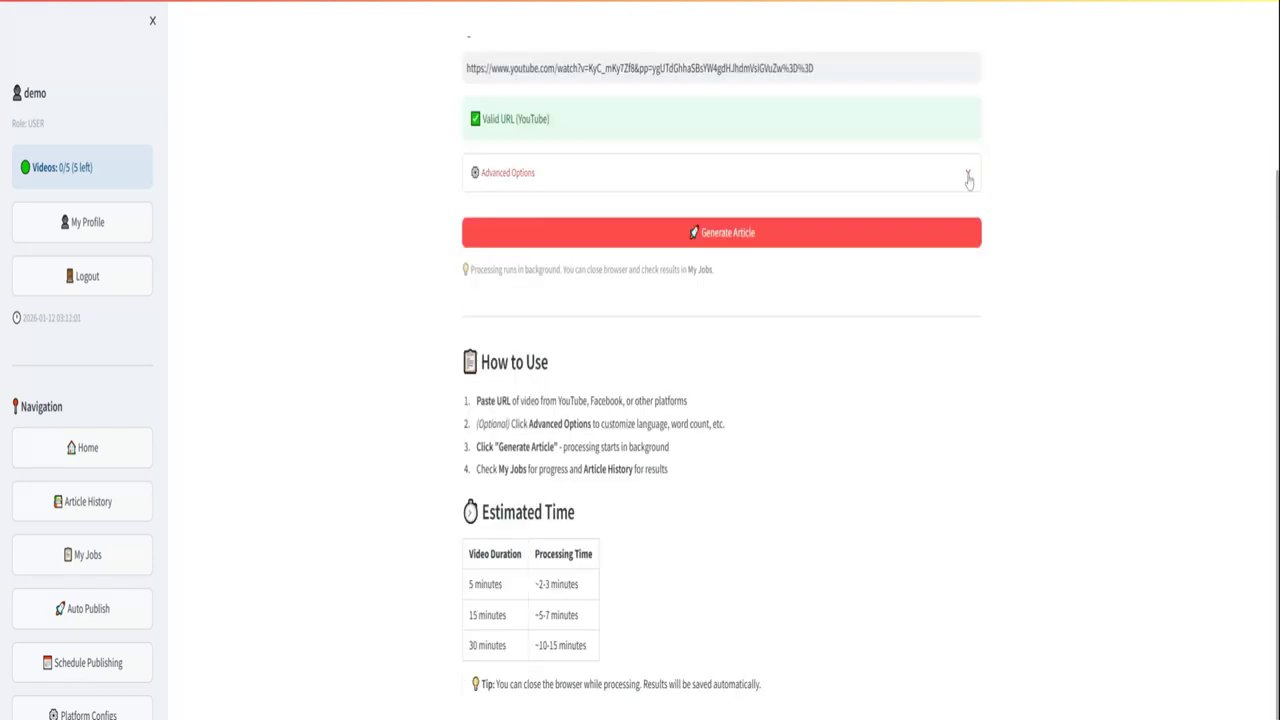
As a content creator, you know the struggle all too well: you’ve poured hours into crafting the perfect YouTube video, only to realize you now need to turn it into a blog post, social media snippets, and more. The hats you wear as a blogger, entrepreneur, or business owner are already too many. What if you could instantly convert your video content into a well-structured blog article with just one click? That’s exactly the promise of a new generation of AI-powered tools designed to lift that burden from your shoulders. This guide will walk you through a simple, free method to repurpose your videos, saving you precious time and expanding your content’s reach.
The Power of AI for Content Repurposing
One of the most practical and time-saving applications of artificial intelligence today is content repurposing. The creative process of making a high-quality video is demanding enough. The thought of manually transcribing, editing, and reformatting that video into a written article can feel overwhelming. This is where AI steps in as a powerful ally. By leveraging sophisticated language models, these tools can listen to your video, understand the core topics and structure, and generate a complete blog post draft in a matter of seconds.
This isn’t about replacing your unique voice or expertise; it’s about automating the tedious, mechanical parts of the writing process. The goal is to give you a solid, editable foundation—complete with a title, headers, and formatted sections—so you can focus your energy on refining the message, adding personal flair, and ensuring accuracy. It’s a shift from starting from a blank page to starting from a 90% complete draft.

Your Free One-Click Solution: A Step-by-Step Walkthrough
The process of transforming a YouTube video into a blog post is remarkably straightforward, thanks to free online tools built specifically for this purpose. Let’s break down exactly how it works, using a real example from creator Ryan Robinson.
Step 1: Locate the Free Tool
The journey begins at a dedicated resource hub. By navigating to ryrob.com/tools, you’ll find a suite of over 20 free blogging utilities. Among them is the star of the show: the YouTube Video to Blog Post Generator. This is your gateway to instant content conversion.
Step 2: Choose and Copy Your Video URL
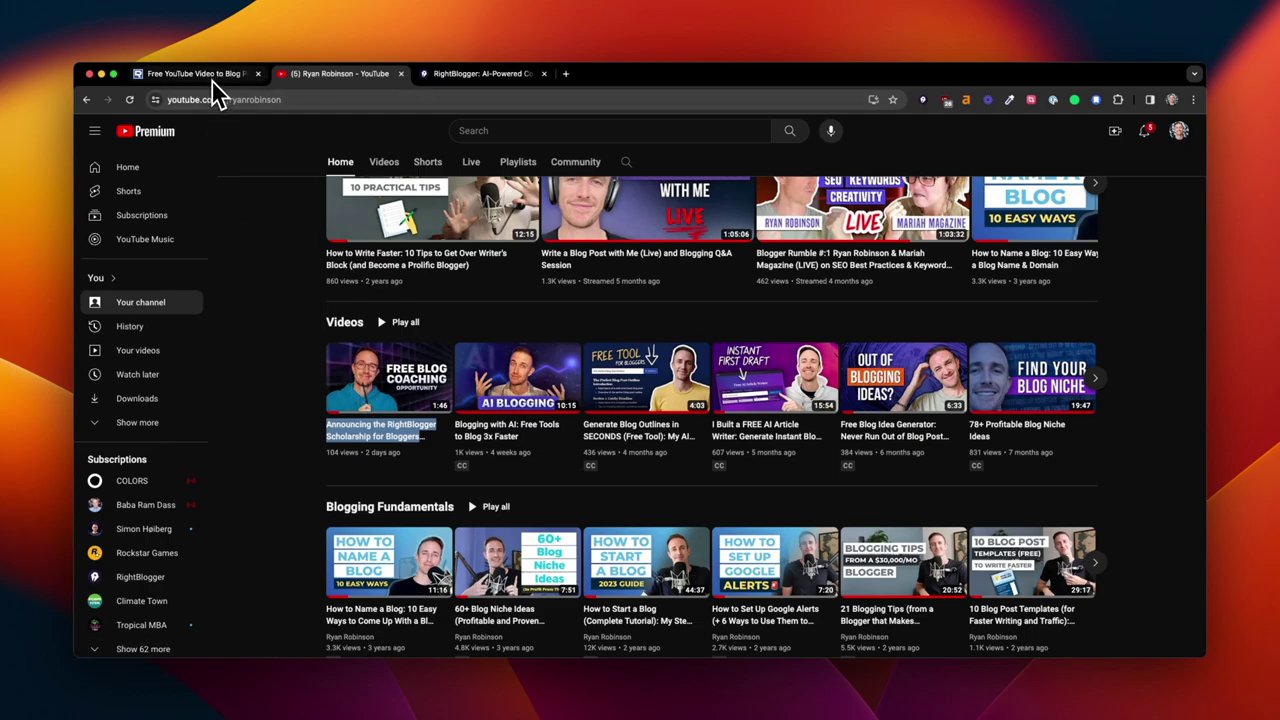
Next, head to your YouTube channel or any video you wish to repurpose. For demonstration, Robinson selects his most recent video announcing a scholarship program. Simply copy the video’s URL from the address bar.
Step 3: Generate Your Post
Return to the free tool, paste the copied YouTube link into the designated field, and click the “Generate Post” button. Behind the scenes, the tool sends the video to an AI API (like OpenAI), equipped with specialized prompts that instruct it on how to structure a blog post from video content. The generation typically takes between 5 to 10 seconds.
Step 4: Review the AI-Generated Draft
In moments, you’ll have a complete blog post draft. You’ll immediately notice:
– A compelling title based on the video content.
– Proper formatting with header sections (H2, H3) that organize the information logically.
– A coherent recap of all the main points discussed in the video.
The initial output is impressive and provides an “awesome start,” as Robinson notes, that can save you “tons of time.” This draft is ready to be copied and pasted directly into your WordPress or other Content Management System (CMS).
The Critical Step: Human Editing and Refinement
While the AI provides a phenomenal head start, the creator’s job is not done. All AI-generated content requires a human touch. This editing phase is where you ensure quality, accuracy, and brand alignment.
Essential Editing Checks
- Proofread for Errors: Scrutinize the draft for any spelling mistakes, grammatical errors, or awkward phrasing the AI may have introduced.
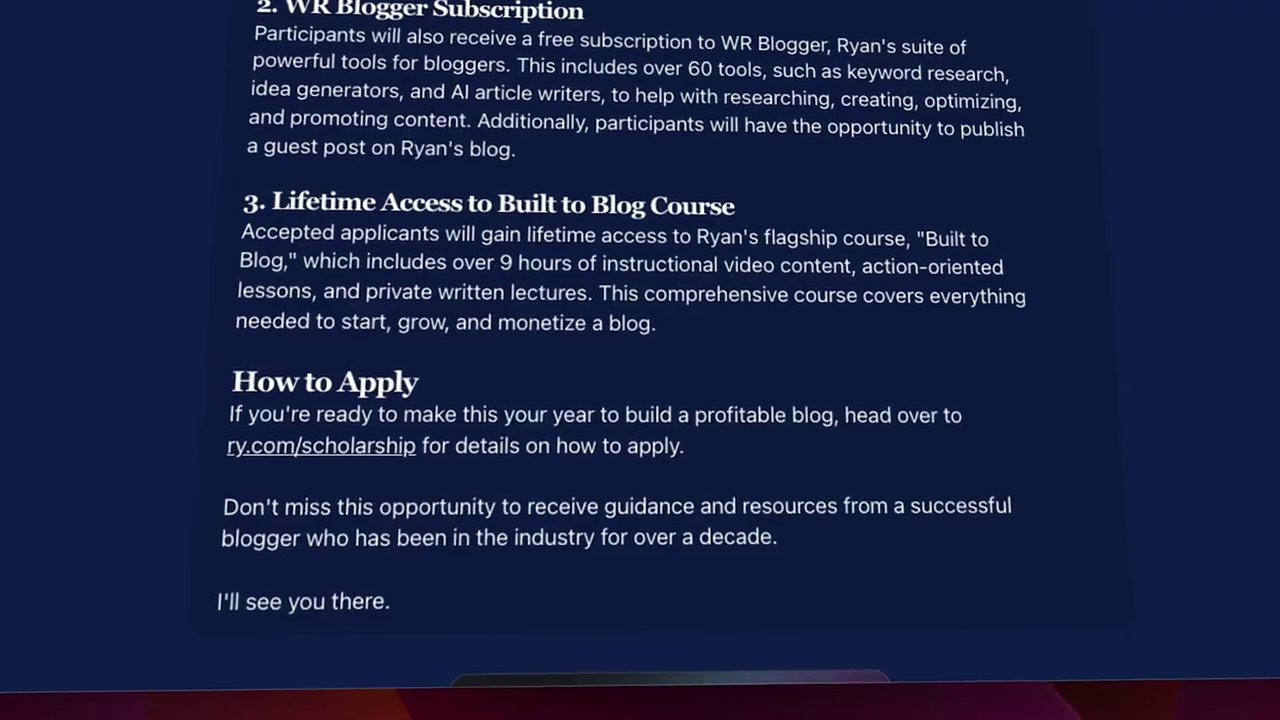
- Verify Accuracy: The AI can sometimes misinterpret words or context. For instance, in the demo, the AI transcribed “Right Blogger” as “WR.” You must catch and correct these discrepancies.
- Check All Links: If the AI has generated or suggested any links, you must verify they are correct and functional. Robinson mentions editing a link from his fast-paced speech before publishing.
- Inject Your Voice and Examples: This is the most crucial step. The AI provides a generic structure. You must infuse it with your own tone, style, personal anecdotes, and specific examples. Make the piece unmistakably yours.
Robinson emphasizes investing a “serious amount of time into the editing process.” The AI handles the heavy lifting of creation, but you bring the nuance, expertise, and personality that resonates with your audience.
Leveling Up: Writing in Your Own Voice with “My Tone”
The free tool offers incredible value, but for creators who want the AI to better mimic their unique writing style, an enhanced version exists within the Right Blogger platform. This premium tool introduces a game-changing feature called “My Tone.”
How “My Tone” Works
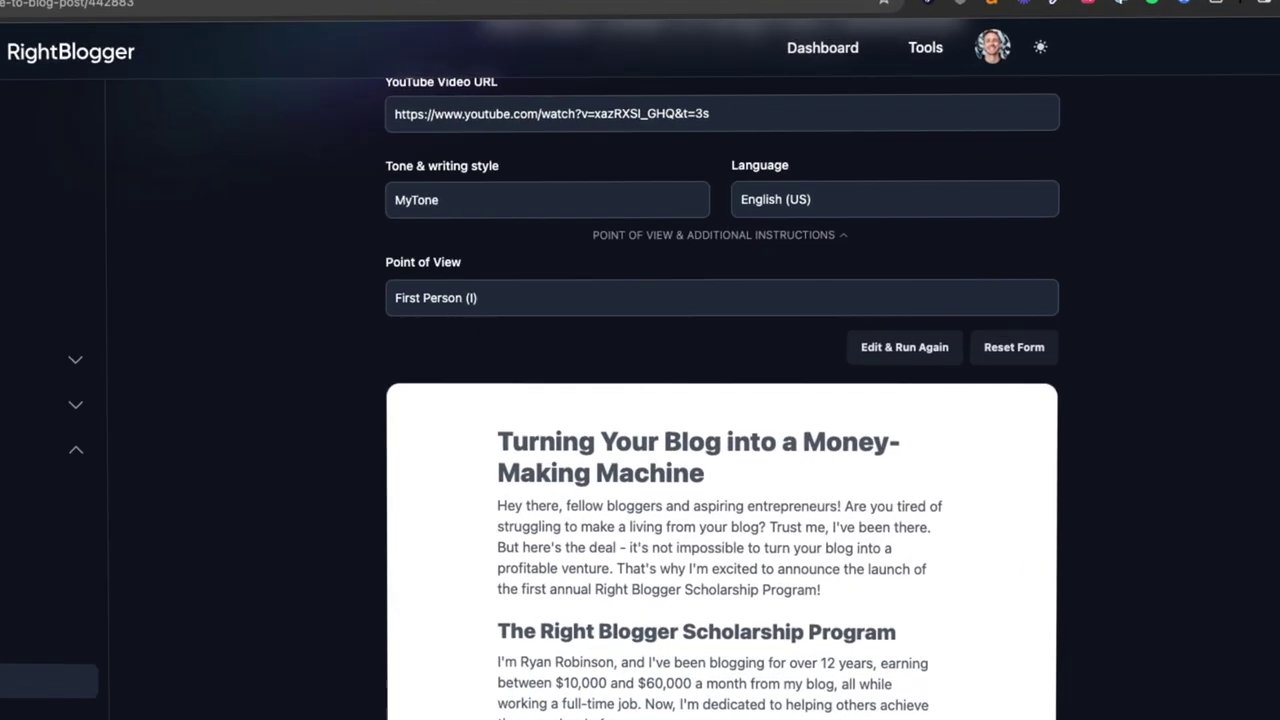
This functionality allows you to teach the AI your personal writing style. You upload a sample of your own writing—a previous blog post, for example. The AI analyzes this sample and describes your voice (e.g., “casual, humorous, engaging, and inspiring”). When you generate a blog post from a video, you can select the “My Tone” option, and the AI will write the draft in a style that closely matches your own.
Additional Premium Features
Beyond voice cloning, the premium tool inside Right Blogger offers:
– Over 40 Language Output Options: Translate your video and receive the blog post directly in another language.
– Customizable Point of View: Choose first-person, second-person, or let the AI detect it automatically from your video.
– Additional Prompt Instructions: Give the AI specific commands on what to include or how to structure the post.
– Access to 60+ Other Tools: Unlock a full suite of AI-powered utilities for keyword research, content ideas, SEO optimization, and more.
Conclusion: Embrace Efficiency Without Losing Your Touch
Repurposing content from video to blog is no longer a hours-long chore. With AI tools, it can be a matter of seconds. The free YouTube Video to Blog Post Generator provides an immediate, powerful way to extend the life and reach of your video content, giving you a professional draft to work from. Remember, the key to success lies in the mandatory human review—proofreading, fact-checking, and, most importantly, injecting your unique perspective and voice.
For those ready to take it a step further, the premium “My Tone” feature offers a path to even greater consistency and efficiency, allowing the AI to become a true extension of your creative process. Whether you start with the free tool or explore the premium options, the message is clear: leverage AI to handle the repetitive tasks, so you can focus on what you do best—creating authentic, valuable content for your audience. Give the free tool a try, have fun with it, and watch as it transforms your content workflow.