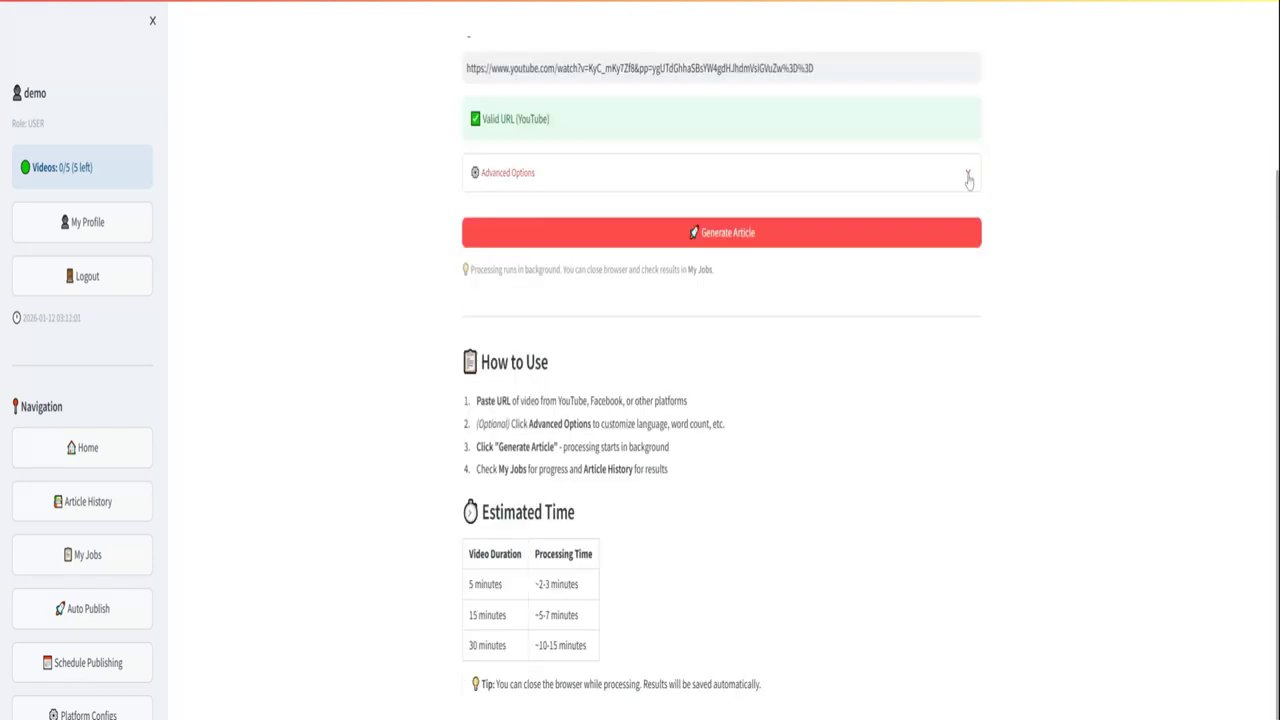
In today’s content-driven world, repurposing video content into written articles is a powerful strategy to maximize reach and improve SEO. This guide reveals a step-by-step, free method to convert any YouTube video into a fully optimized, high-scoring blog post in minutes using accessible AI tools. You’ll learn the exact process, from extracting a transcript to generating and publishing a complete article with images, all without any manual writing.

The Power of Repurposing Video to Text
The digital landscape rewards versatility. A single piece of content can—and should—serve multiple purposes across different platforms. Converting a YouTube video into a blog post is one of the most effective forms of content repurposing. It allows you to reach audiences who prefer reading over watching, significantly boosts your website’s SEO through fresh, keyword-rich content, and extends the lifespan and value of your original video work. The method outlined here is designed to be fast, free, and require zero writing from you, leveraging AI to do the heavy lifting while you guide the process.
The promise is compelling: take a video, run it through this specific workflow, and end up with a blog article that scores an 84 out of 100 on a popular SEO analysis tool right out of the gate. This score indicates strong on-page optimization for search engines, covering factors like keyword usage, readability, and meta information—all generated automatically.
Step-by-Step Guide to AI-Powered Conversion
This process uses two primary free tools: one for transcript extraction and another for AI-powered article generation. Follow these steps precisely to replicate the results.
Step 1: Extract the Video Transcript
The foundation of a good article is an accurate transcript. For this, you will use a free online service.
- Navigate to the website
youtube.skscape.com. The URL for this tool is typically provided in the video description or comments for easy access. - Go to YouTube and select the video you wish to convert. Copy its URL from the address bar.
- On the transcript service website, paste the copied video URL into the provided field.
- Click the button labeled “Get Free Transcript.” Within seconds, the tool will generate a complete text transcript of the video.
Important Note: For the best results, ensure your source video is in English. The AI article generator will produce higher-quality, more coherent content from a clear English transcript.

Step 2: Generate the Article with AI
With your transcript ready, the next step is to feed it into an AI platform that will transform it into a structured blog post. The recommended tool is qn.ai, a free alternative to platforms like ChatGPT, chosen for its specific features useful for this task.
- Go to qn.ai and sign up for a free account. The platform is completely free to use.
- Once in the chat interface, you will need to input a specific prompt. This prompt, which can be copied from the video description, instructs the AI to act as a professional writer and create an SEO-optimized article.
- The prompt will contain a section marked for the transcript. Between the designated markers or brackets, paste the entire transcript you copied in Step 1.
- Submit the prompt. The AI will now process the transcript and begin writing. This may take from a few seconds to a couple of minutes.
The AI’s output is comprehensive. It doesn’t just write paragraphs; it generates:
– An SEO-friendly title
– A meta description
– Primary and related keywords
– The full article body with clear headings and sections
– Even suggested prompts for generating custom images to include in the post

Step 3: Assemble and Publish Your Blog Post
Now, take the AI-generated content and build it into a publish-ready post on your blog (e.g., WordPress).
- Copy and Paste the Structure: Create a new blog post. First, paste the SEO title as your post title. Then, copy sections of the AI-generated article body into the post editor.
- Create and Insert Images: The AI provides text prompts for images. Use these prompts in an AI image generator (like DALL-E, Midjourney, or a free alternative) to create relevant visuals. Download the generated images or use relevant screenshots (e.g., of the tools mentioned).
- Format the Post: As you paste each text section, add the corresponding heading (H2, H3) and insert the created image below it with a brief caption. Format the text with bullet points or bold text where the AI has suggested or where it improves readability.
- Optimize for SEO: Go to the SEO settings panel (using a plugin like Rank Math). Paste the AI-generated meta description into the appropriate field. Set the primary keyword. The AI often suggests the perfect URL slug; use it or a simplified version.

Upon completing these fields, you will likely see the SEO score instantly jump to a high rating—84/100 was achieved in the demonstration—without any tedious manual optimization. This score reflects well-optimized title tags, meta descriptions, keyword density, and content length.
- Finalize and Publish: Set a featured image (you can use one of the generated images or a relevant screenshot) and publish the post. The final result is a professional, fully formatted, and SEO-optimized blog article derived entirely from your video.

Why This Method Works for Content Creators
This workflow is a game-changer for several reasons. First, it dramatically reduces content creation time. What could take hours to script, write, and optimize is condensed into a matter of minutes. Second, it democratizes content repurposing. You don’t need to be a skilled writer or an SEO expert; the AI handles the technical writing and optimization aspects. Finally, it maximizes your content investment. A single video can now become a YouTube asset, several social media clips, and a foundational piece of SEO content for your website, all with minimal additional effort.
The tools used are specifically chosen because they are 100% free, removing any financial barrier to entry. The combination of a reliable transcript extractor and a capable, free AI writing assistant makes this a sustainable long-term strategy for bloggers, marketers, and video creators.
Conclusion and Key Takeaways
Transforming your YouTube videos into blog posts is no longer a complex, time-consuming task reserved for professional writers. By leveraging the simple AI method outlined above, you can efficiently repurpose your video content into high-quality, SEO-strong articles that attract more readers and improve your site’s search engine visibility.
Key Takeaways:
– Use youtube.skscape.com to quickly get a free, accurate transcript of your English-language videos.
– Employ the free AI platform qn.ai with a specific prompt to generate a complete, structured, and optimized article from your transcript.
– Assemble the post by pasting the AI-generated content, creating images from the provided prompts, and filling in the SEO fields.
– This process can yield an exceptionally high SEO score (e.g., 84/100) automatically, proving the effectiveness of AI-assisted optimization.
This method empowers you to build a robust content library on your blog, driven by the videos you’re already creating. It’s a straightforward path to getting more value from every piece of content you produce.